REC
ISO 100F/2.81/250
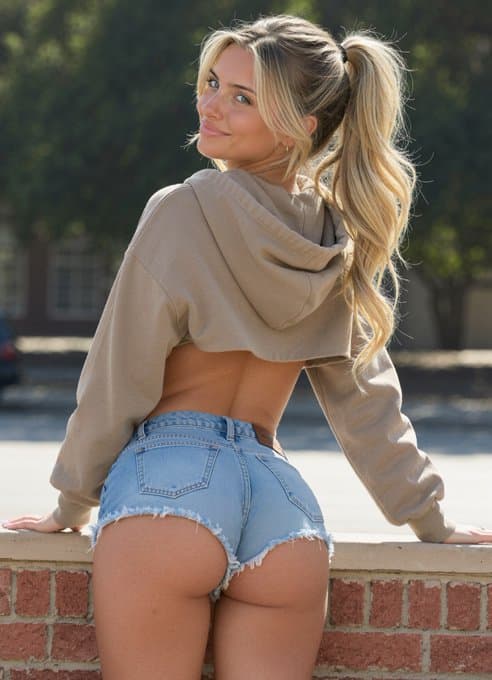
Parisian Street Style
#ai influencer#ai creator#realistic ai#minimalist#fashion#influencer marketing#lifestyle
AI Model StyleFree to try
Prompt Used:
(photorealistic:1.5), (masterpiece, best quality:1.4),
*** ABSOLUTE IDENTITY OVERRIDE — READ BEFORE GENERATING ANYTHING ***
*** THE ONLY VALID FACE IN THIS IMAGE IS FROM THE USER REFERENCE PHOTO ***
*** THE ONLY VALID HAIR COLOR AND TEXTURE IS FROM THE USER REFERENCE PHOTO ***
*** THE ONLY VALID SKIN TONE IS FROM THE USER REFERENCE PHOTO ***
*** THE SCENE IMAGE IS A POSE AND BACKGROUND BLUEPRINT ONLY ***
*** IGNORE THE SCENE MODEL’S FACE ENTIRELY — SHE DOES NOT EXIST ***
*** IGNORE THE SCENE MODEL’S HAIR COLOR — IT IS IRRELEVANT ***
*** IGNORE THE SCENE MODEL’S SKIN TONE — IT IS IRRELEVANT ***
*** BUILD THE USER’S APPEARANCE FIRST — THEN PLACE INTO THE SCENE ***,
*** STEP 1 — BUILD USER IDENTITY FIRST ***
(exact facial identity from user reference:1.6), (user’s bone structure:1.6), (user’s eye shape and iris color:1.6), (user’s nose bridge and lip geometry:1.6), (user’s exact skin tone and undertone applied to entire visible body:1.6), (user’s exact hair color:1.6), (user’s exact hair texture:1.6), *** USER FACE = the uploaded reference — extract every detail — orbital depth — jaw angle — lip fullness — eye fold — iris color — skin tone — NONE of these come from the scene image ***,
*** STEP 2 — STYLE USER’S HAIR INTO SCENE ARRANGEMENT ***
*** user’s hair color and texture — arranged into high ponytail with black scrunchie — loose waves falling from ponytail — curtain tendrils framing face — sunlight catching user’s actual hair color — NOT blonde unless user IS blonde — NOT dark unless user IS dark — USER COLOR ONLY ***,
*** STEP 3 — PLACE USER INTO THIS EXACT SCENE ***
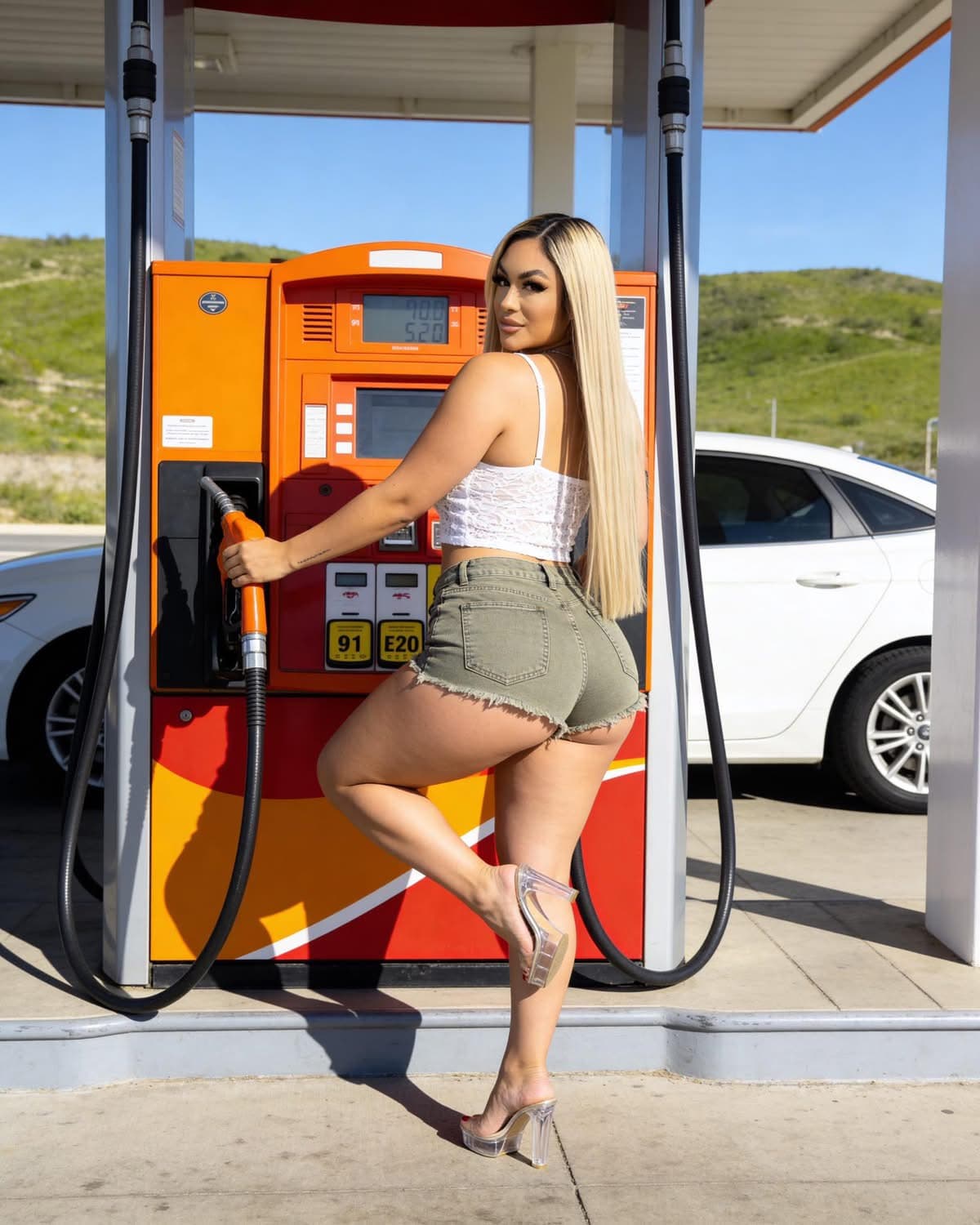
back-to-camera pose — leaning on red-brown brick wall — both hands on concrete ledge — looking back over LEFT shoulder — slight smile — direct confident gaze — lower back skin visible — mid-thigh to above head framing,
*** STEP 4 — DRESS USER IN SCENE OUTFIT ***
tan beige cropped oversized hoodie — large hood — ribbed cuffs — raw cropped hem — fabric bunching elbows — light wash denim micro shorts — extremely tight low-rise — heavily distressed frayed hem — fraying threads — orange stitching — rear pockets — brown leather waistband patch — black scrunchie — small gold hoop earring,
*** STEP 5 — PLACE IN SCENE ENVIRONMENT ***
outdoor urban park — red-brown brick wall with smooth concrete capping ledge — green leafy tree bokeh background — tan building with windows — warm 5500K sunlight top-right — specular highlights on USER’S hair color and shoulders — shallow DOF 85mm — high background bokeh,
(subject in sharp focus:1.5), (perfect anatomy:1.5), (visible pores:1.4), (user skin tone on back shoulders arms thighs:1.5), (spinal indentation lower back:1.4), (denim frayed threads:1.4), (ponytail physics natural:1.4),
*** CRITICAL REMINDERS ***
*** IF THE GENERATED FACE DOES NOT MATCH THE USER REFERENCE — REJECT AND REGENERATE ***
*** IF THE HAIR COLOR DOES NOT MATCH USER REFERENCE — REJECT AND REGENERATE ***
*** IF THE SKIN TONE DOES NOT MATCH USER REFERENCE — REJECT AND REGENERATE ***
*** THE SCENE MODEL IS COMPLETELY IRRELEVANT TO FACE HAIR AND SKIN ***
*** WATERMARK: “by photoforge.app” Great Vibes calligraphic font bottom-right 5% height white black drop shadow — MANDATORY ***
(wrong face:1.9), (scene model face:1.9), (blonde hair if user not blonde:1.9), (wrong hair color:1.9), (scene model hair:1.9), (wrong skin tone:1.9), (scene model skin:1.9), (light tan if user not light tan:1.8), (beauty filter:1.6), (skin smoothing:1.6), (body reshaping:1.6), (front facing:1.7), (missing brick wall:1.6), (missing ponytail:1.6), (missing distressed shorts:1.5), (AI glow:1.4), (HDR:1.3), (missing signature:2.0), *** USER FACE — USER HAIR COLOR — USER SKIN TONE — ALL EXTRACTED FROM USER REFERENCE ONLY — SCENE MODEL IS IRRELEVANT — MISSING SIGNATURE IS CRITICAL FAILURE ***.
About This Parisian Street Style Style
This visual artwork was created using PhotoForge AI's advanced portrait rendering pipeline. It combines studio lighting physics, depth-of-field simulation, and realistic facial preservation technology. You can apply this exact aesthetic to your own photos, change the background, customize outfits, or build complete AI photoshoot packs in seconds.
Step 1
Upload Your Photo
Select a clean front-facing selfie or portrait from your camera roll or desktop.
Step 2
Apply Style & Prompt
Use this pre-configured prompt or tweak the lighting, clothing, and background parameters.
Step 3
Export in 4K Ultra-HD
Download high-resolution 4K exports ready for LinkedIn, Instagram, Tinder, or commercial use.
Want to explore more AI tools?